 Hyperdrift

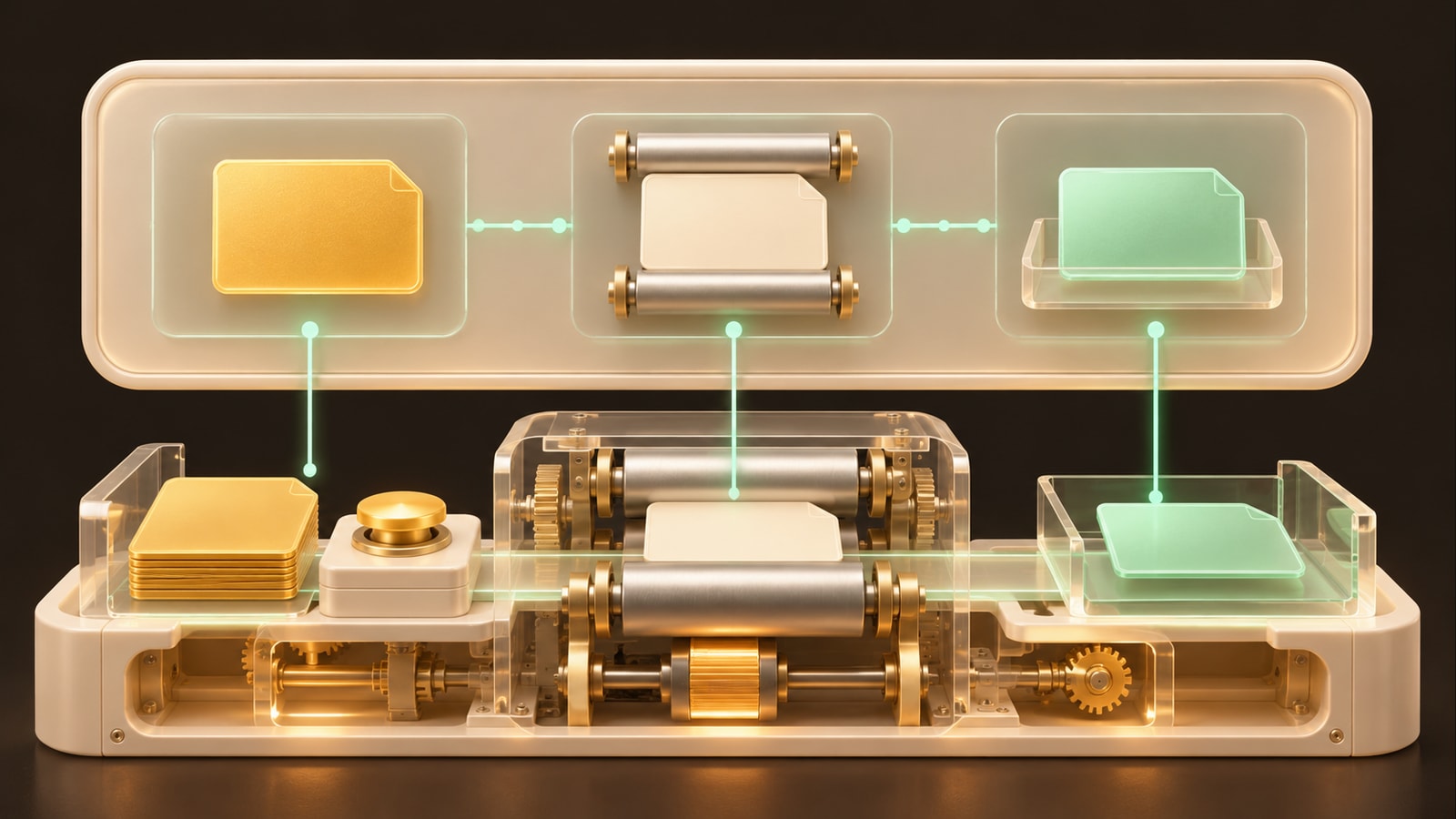
We want our apps looked after. The UI gives us the intel: what is happening, what the agents did and what needs us. The agents do the work. We set the direction, ask a question or step in.
Traction's release on 24 October put this on every app board. Here is our own Orchestra board that same morning.
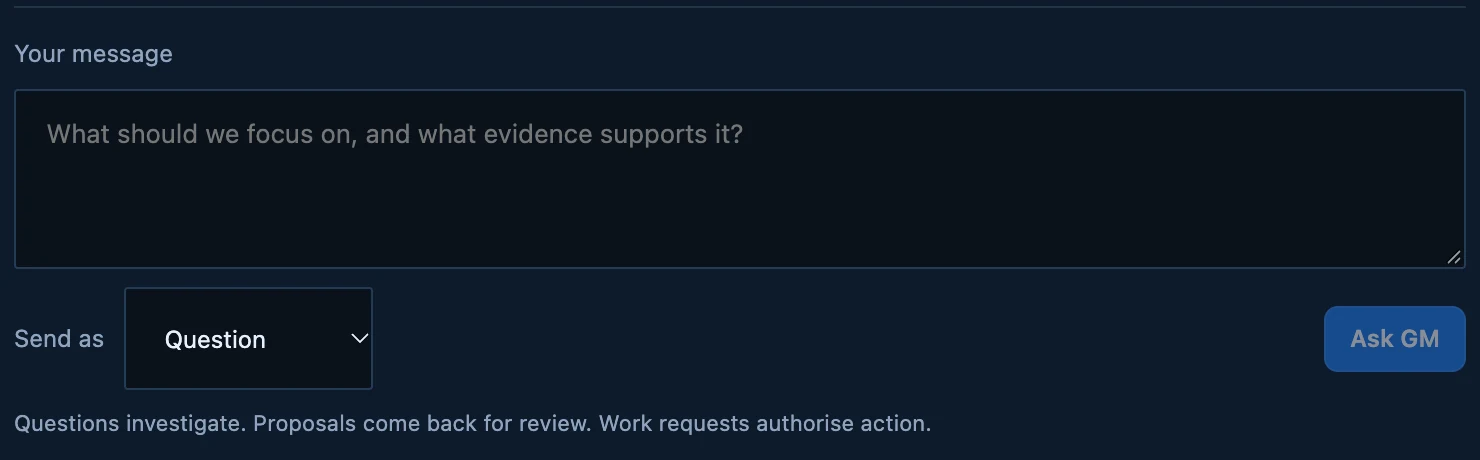
01 / 04A question investigates without authorising work. A proposal comes back for review. A work request authorises action.
Test details
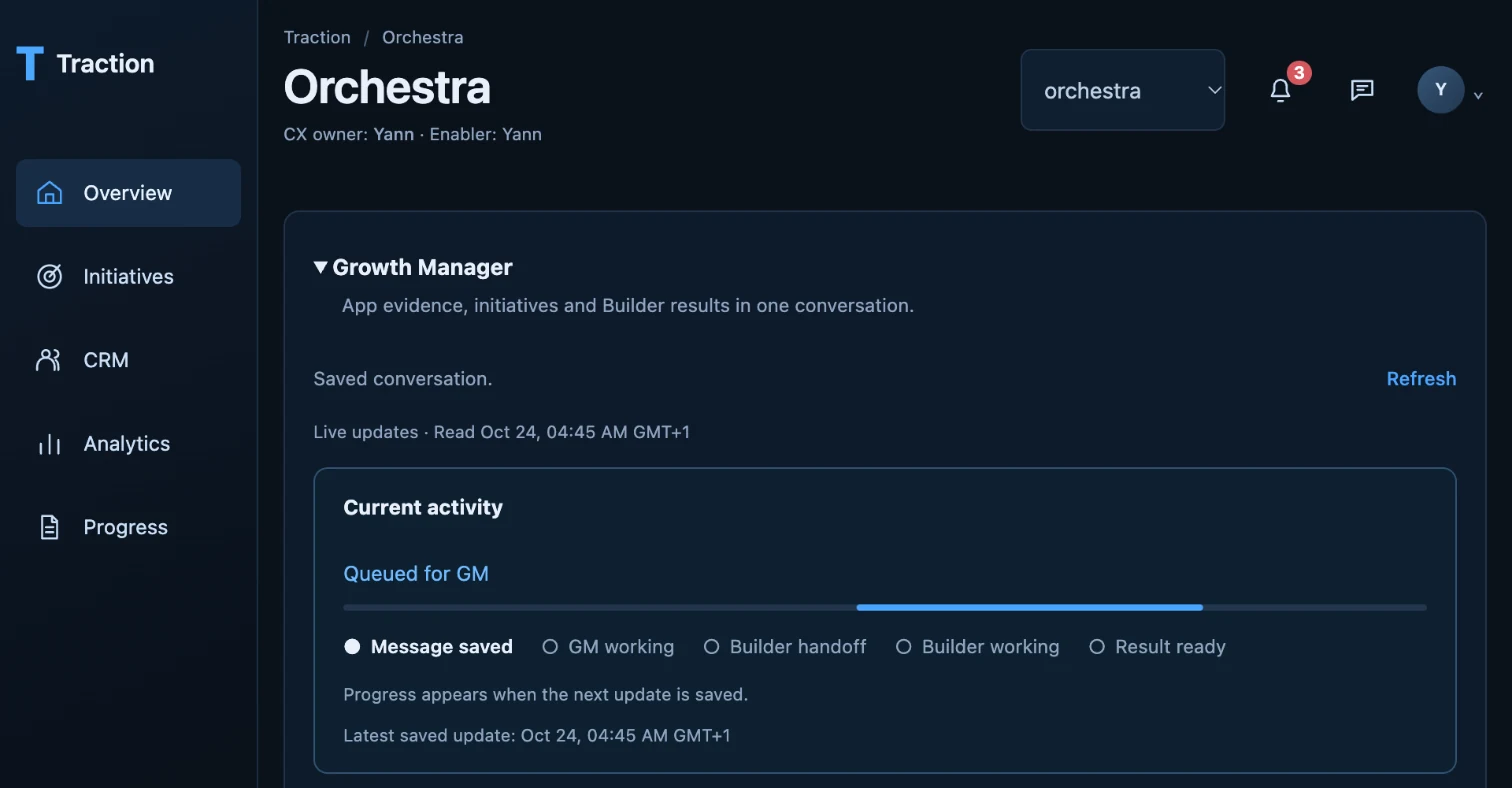
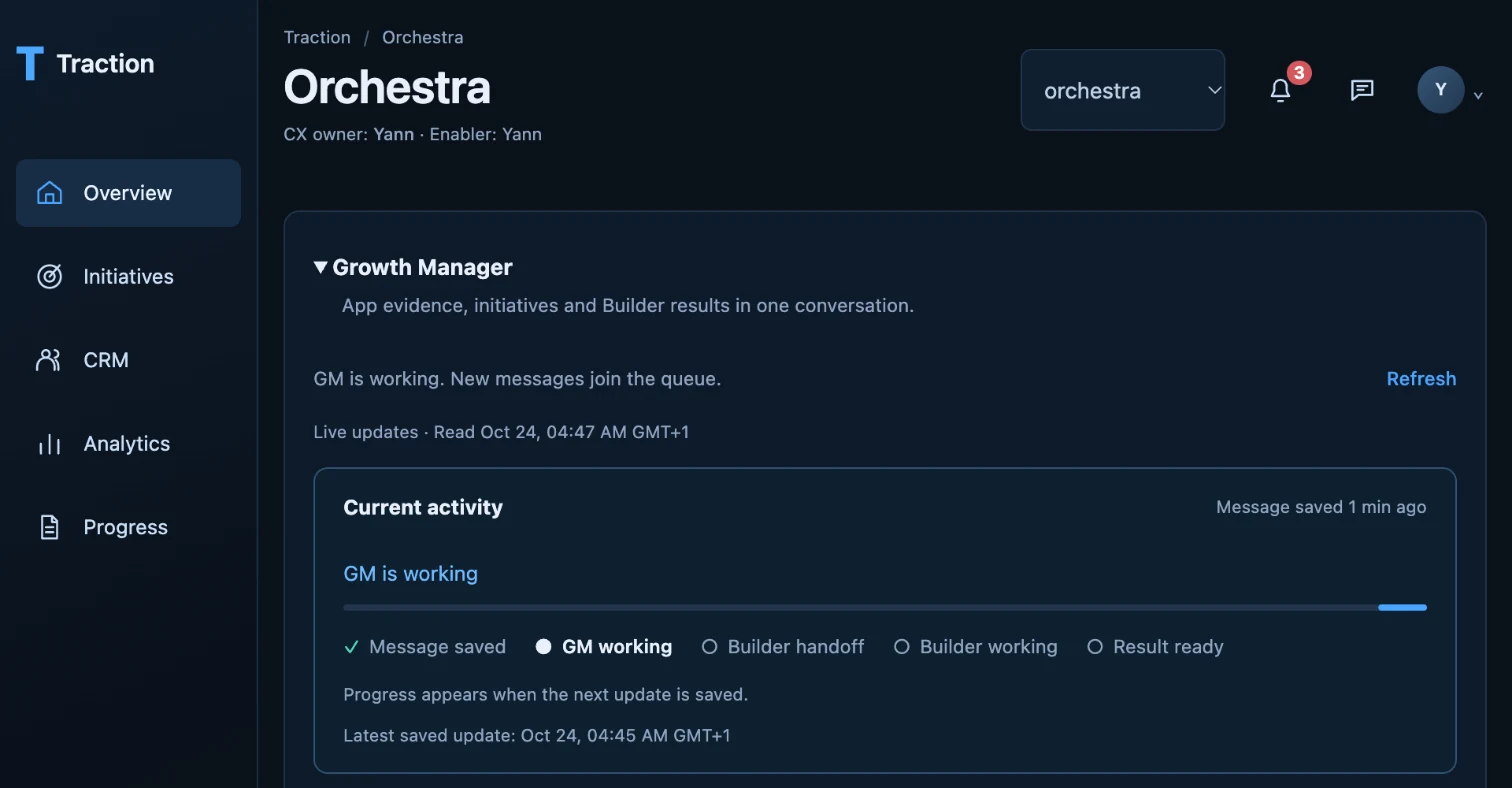
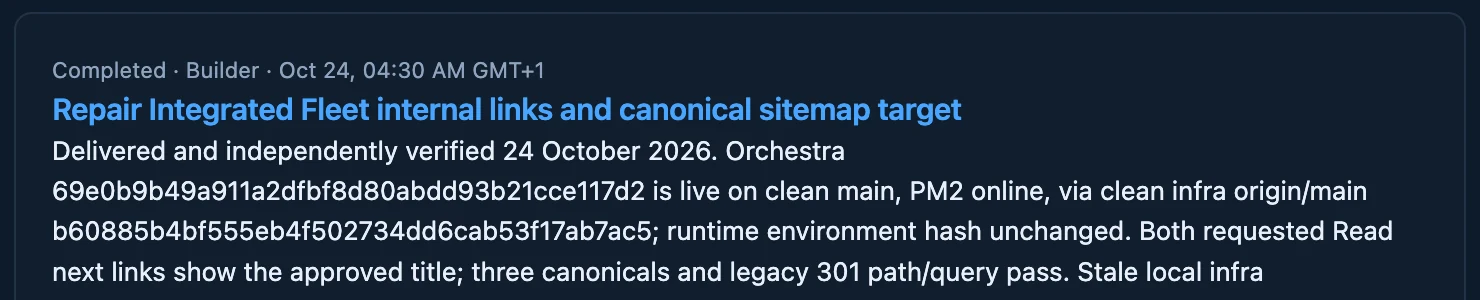
Four screenshots from our own Orchestra board in Traction, taken on 24 October 2026. The composer, where a question investigates, a proposal comes back for review and a work request authorises action. A request saved at 04:45 and picked up by the Growth Manager at 04:47, shown by the board's own progress strip. The Builder's result from 04:30 the same morning, delivered and independently verified, which repaired the links pointing to this article. Nothing is staged: the screenshots are cropped, not edited.
The board shows what the agents are doing
Each app board opens on its Growth Manager: one conversation that holds the app's evidence, its initiatives and the Builder's results. A strip shows where the latest request stands: message saved, GM working, Builder handoff, Builder working, result ready. It moves on its own while the page is open. There is nothing to refresh and nobody to chase.
The agents do the work
At 04:10 we asked the Orchestra Growth Manager to run the discovery campaign for this article. Seven minutes later it had answered and handed the Builder one piece of work: repair the links pointing here and the sitemap target. At 04:30 the Builder's result was on the board, delivered and independently verified, with the evidence in the receipt.
Nobody opened a deploy form or a settings page. We read the result.
We decide what becomes work
One box talks to the Growth Manager. A question investigates without authorising work. A proposal comes back for review, with Approve and start, Edit and Reject. A work request authorises action. An approval is recorded once, under the name of the person who gave it, and becomes exactly one piece of Builder work.
Pricing, positioning, security and spend stay with us. The agents carry the operating load.
Why we're building it this way
Most of our apps are experiments, and a few matter to the business every day. The agents can see what each app is for, what changed and what it needs, because we control the code, the releases and the servers.
Traction is where founders get this for their own app: the week, the work the agents did, and the decisions that are theirs.